 Thu, Feb 27, 2025
Introducing Workflows
With Workflows, you can easily save your development processes and organize them as a sequence of Tasks. Instead of having to repetitively type commands into your shell and remember them, Workflows provide an intuitive interface to configure your frequently used commands and execute them with the click of a button. Simplifying development with Workflows Workflows give you the ability to better organize your project execution pipeline, while offering an accessible interface to reuse them. Using the Workflows pane, you can easily configure specific buttons to run specific commands, and even link multiple Workflows together in a chain. Instead of copy pasting "cd ./client && npm run dev && cd ../server && node server.js", you can define the procedure as a Workflow with multiple Tasks. Let's see how it works with an example.
 Mon, Nov 4, 2024
How we name things
What’s in a name? Well, a lot, but first and foremost: stress. Whether we’re naming our babies, pets, companies, or features, we tend to worry a lot about finding the perfect name. We know intuitively that a name will shape how something is perceived and even influence its direction going forward. And yet, this stress isn’t equally distributed. In business, people tend to think a lot about the names of the companies they’re building but leave each product and feature name up to whoever thinks of the best-sounding name first.
 Mon, Aug 26, 2024
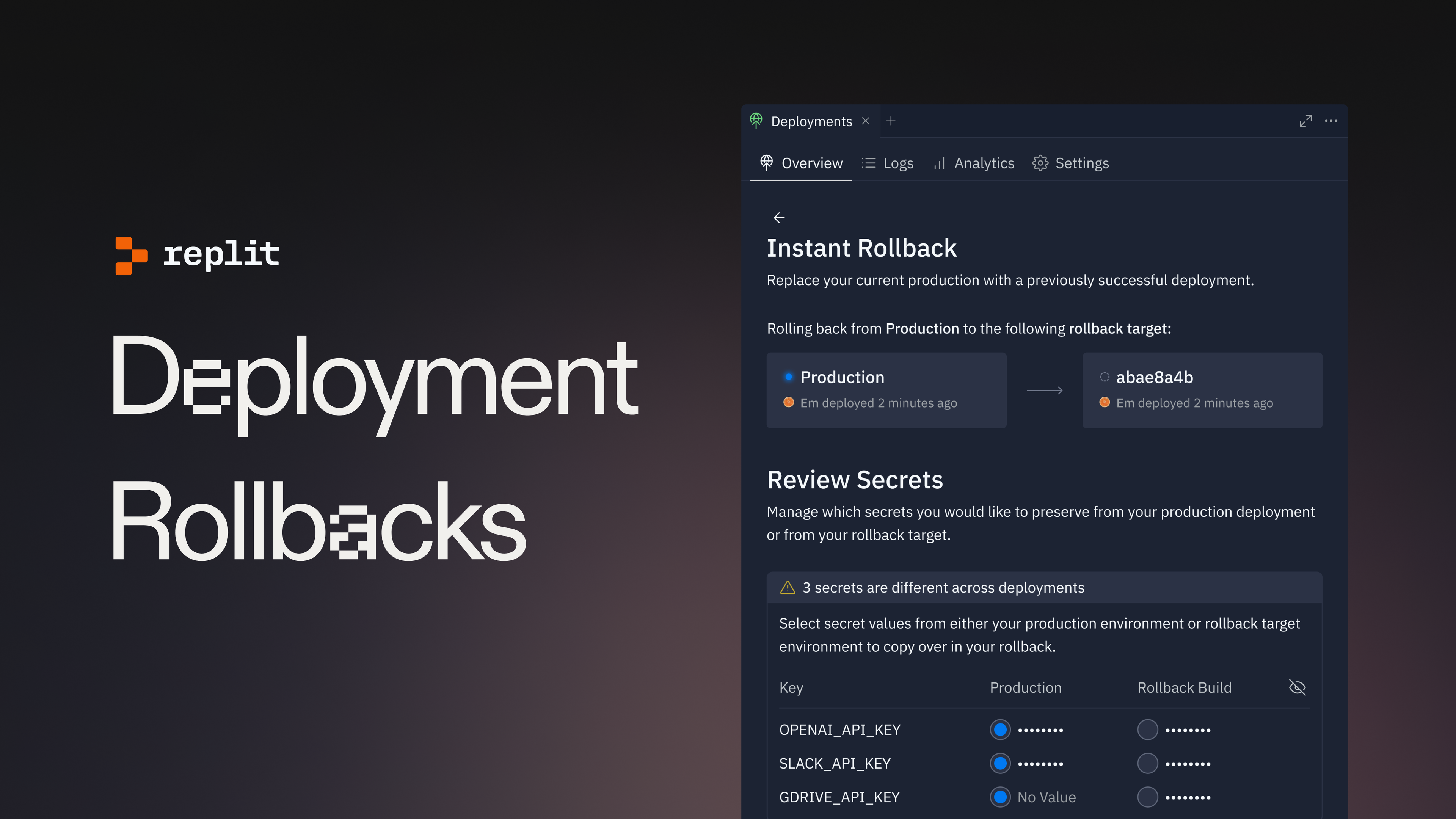
Introducing Deployment Rollbacks
Deployment rollbacks are a new feature that allow you to quickly and confidently version your deployments. Rollbacks allow you to restore a previous successful deployment in one click: fix a broken build or a typo in seconds. A quick tour Let’s explore the new additions to the deployment experience. Rollback activation
 Tue, Aug 20, 2024
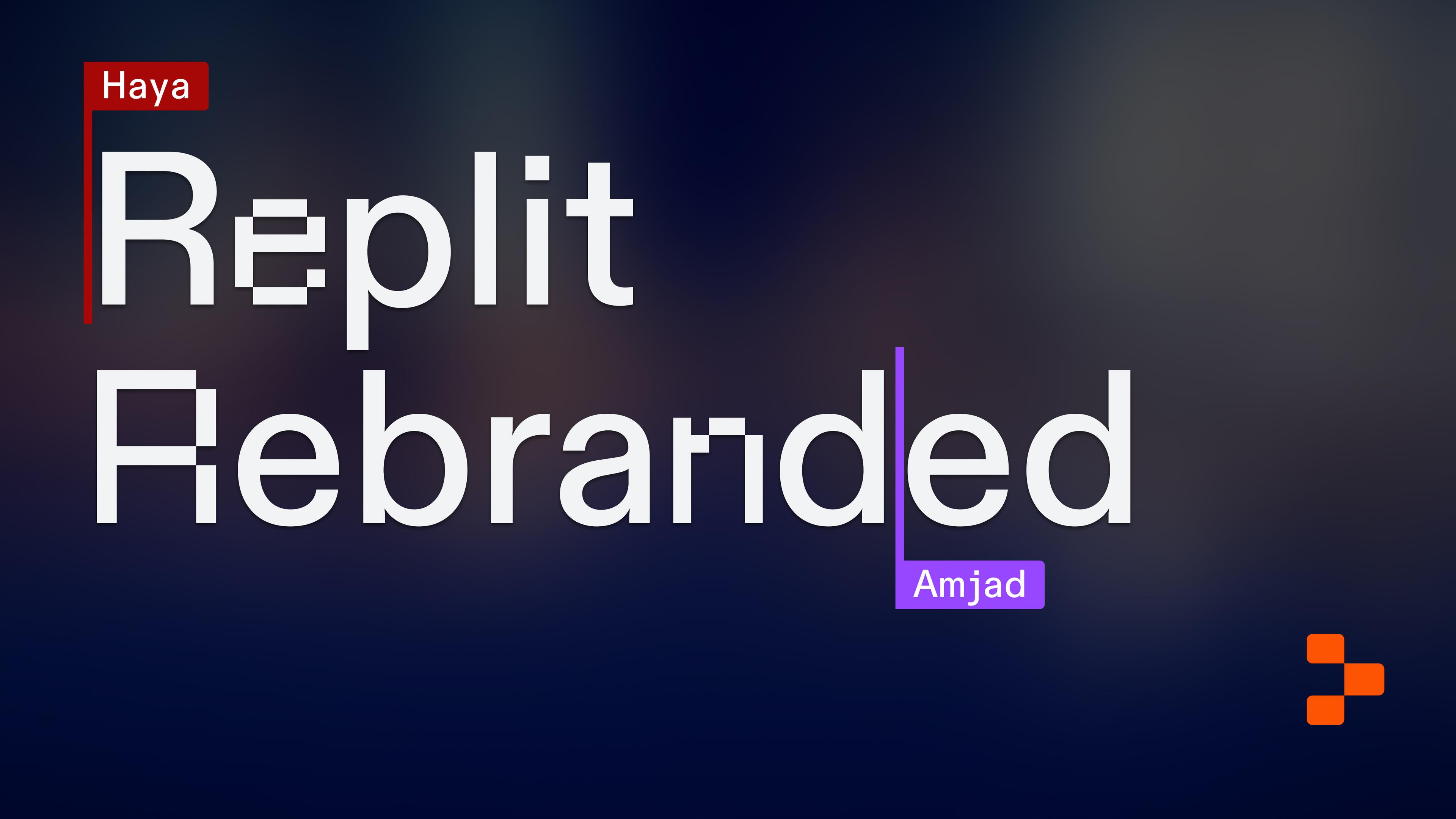
Rebranding Replit: Inspiration to Action
At Replit, AI isn’t merely a footnote to our work. Our mission is to democratize software development, and AI is a step change in our ability to do so. The scale of this change was so significant—both for our company and the industry at large—that we realized we had to explore and refine the Replit brand. We had a lot to say in a market that was becoming increasingly noisy. But we had a problem: The previous design didn’t quite capture the history of our industry or our company, and our brand needed to demonstrate both to communicate a compelling perspective. As we refined, we worked from two parallel histories: The history of Replit and the progress we’ve made helping software creators go from idea to software, and the history of computer science and the progress the entire industry has made, ranging from the earliest mainframes to the most powerful LLMs. We planted our starting point years before Replit was founded As we’ve built Replit, from its earliest versions to our current AI features, we benefited from the work of people before us. There’s a confidence and humility to knowing this, that we’re proud of our work and grateful for the work that made it possible, that we wanted to translate into our brand.
 Thu, Feb 22, 2024
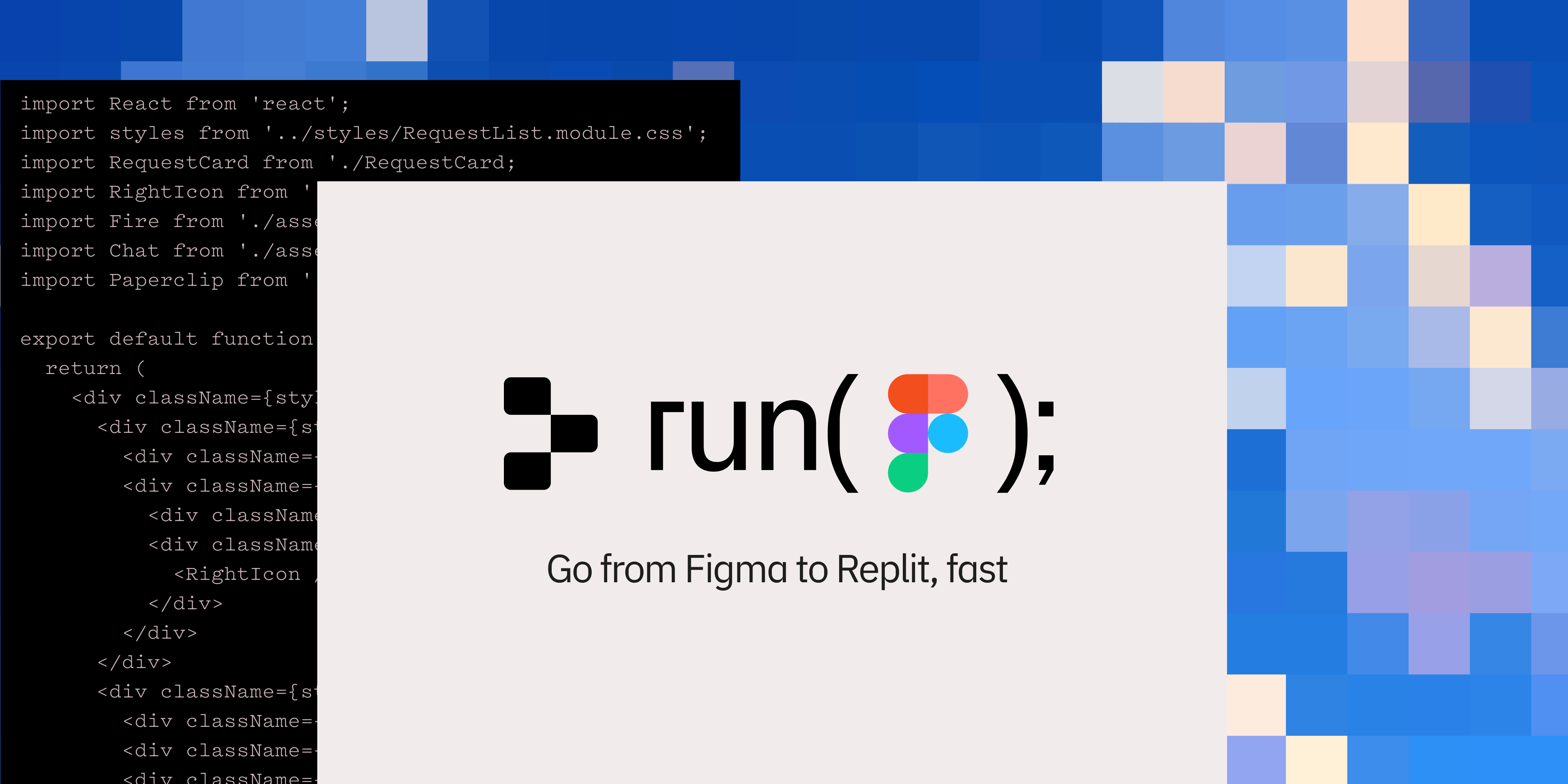
Experiment: Figma to Replit Plugin
Today we’re releasing an experimental Figma to Replit plugin. The plugin’s goal is to streamline the process from designing with pixels to prototyping with code — generating visually accurate, responsive, HTML, CSS, and React code from your designs. This was a Hack Week project by Replit Design, and we’re excited to give the community an opportunity to try it out. With this tool, you can now generate a Repl directly from your Figma design, and instantly share a static React app with your team. From there, you can use Replit AI to add functionality and tweak your design before deploying to production. This integration is all about enhancing your workflow, accelerating the prototyping process, and ultimately boosting developer productivity. Using the plugin Design your project: Begin by designing a component or page in Figma. You’ll want to follow these practices to get the most functionality with your export:
 Thu, Dec 7, 2023
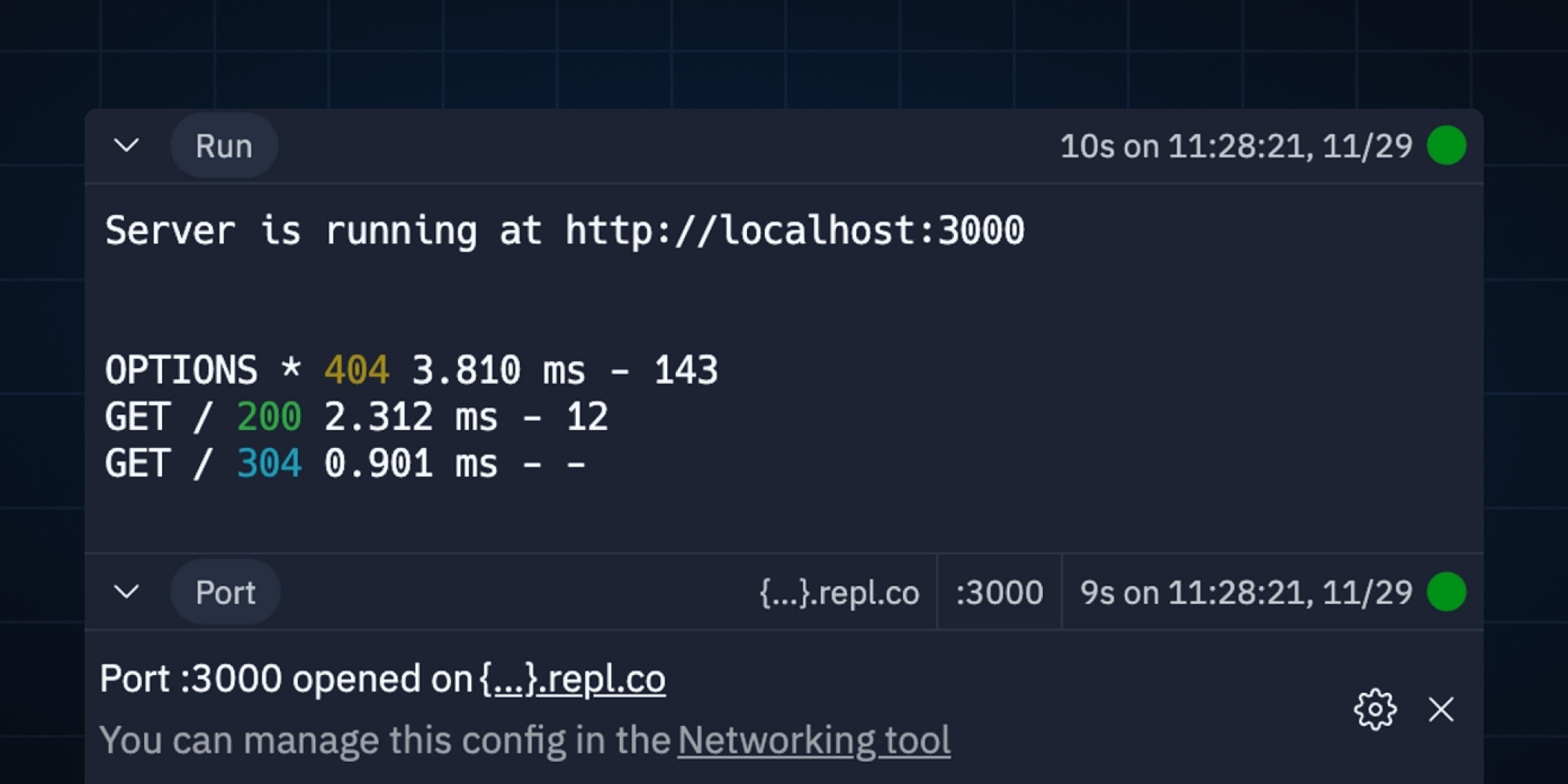
New and Improved Console
The new Console has been launched for a while, bringing a whole new UI, persisted history of executions, metadata about the runs, and more! Let’s take a tour of where it came from, how it works, and how it was built. Brief history In the past, the Console looked very similar to the Shell and, depending on the Repl configuration, sometimes behaved like one: ...and sometimes did not:
 Sun, May 14, 2023
Making Git Good
Improving Git on Replit There has been a new Git pane in Repls for a little while now. This new Git UI you see is a part of a complete rewrite of everything Git-related on Replit: both engineering and design. It is the start of our journey into more deeply integrating Git into Replit, with much more to come. Let's talk about it!
 Sun, Mar 19, 2023
An update to cover pages
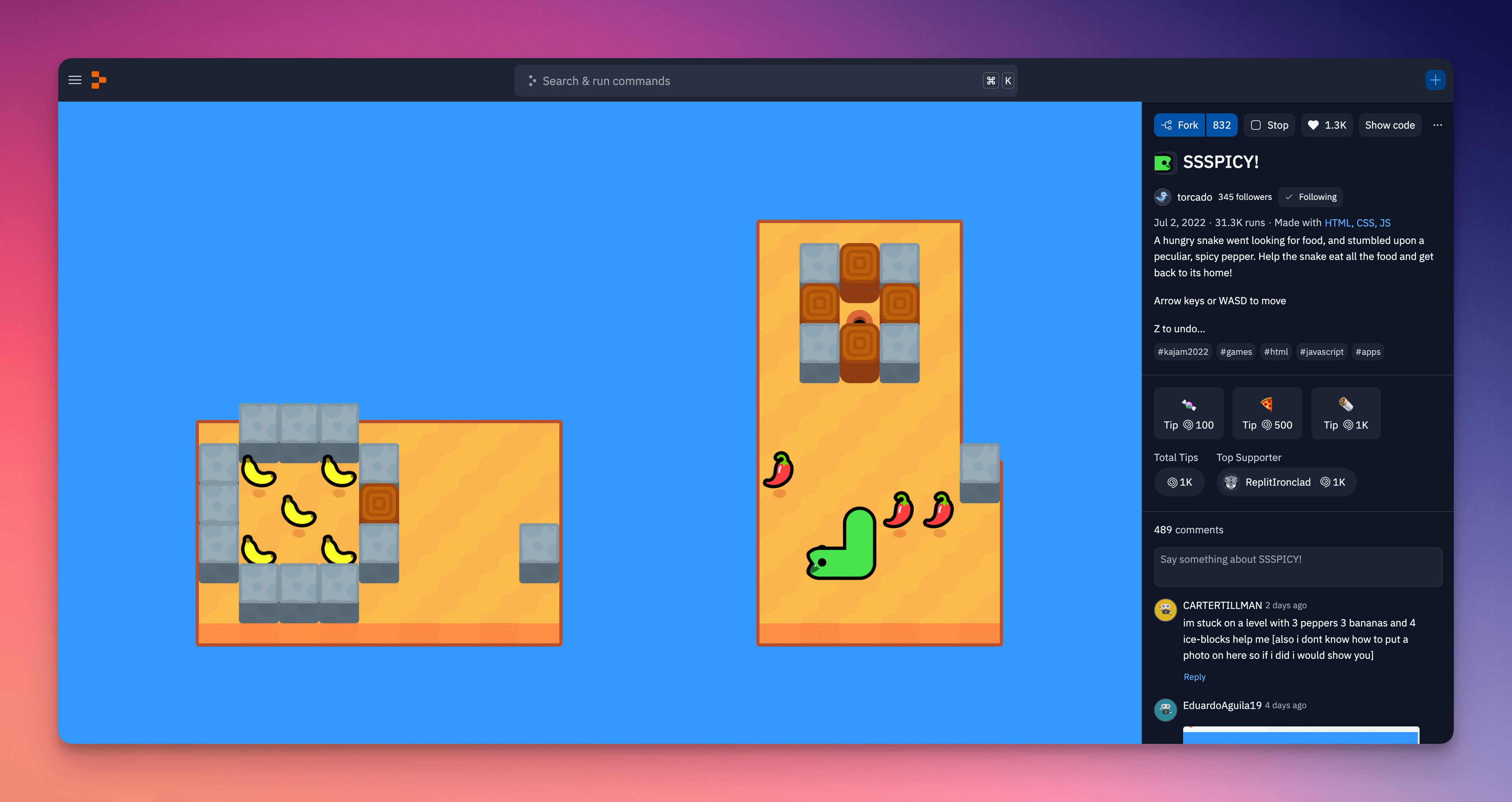
We're excited to announce that Replit rolled out a big visual update to cover pages last week. With this update, Repl content comes first more than ever before. Everything else is now off to the side, allowing for a cleaner and more focused app experience. Our goal with this update is to improve the user experience for both creators and visitors of Replit projects. Two key improvements come with this update:
 Sun, Nov 13, 2022
Branching out the Filetree
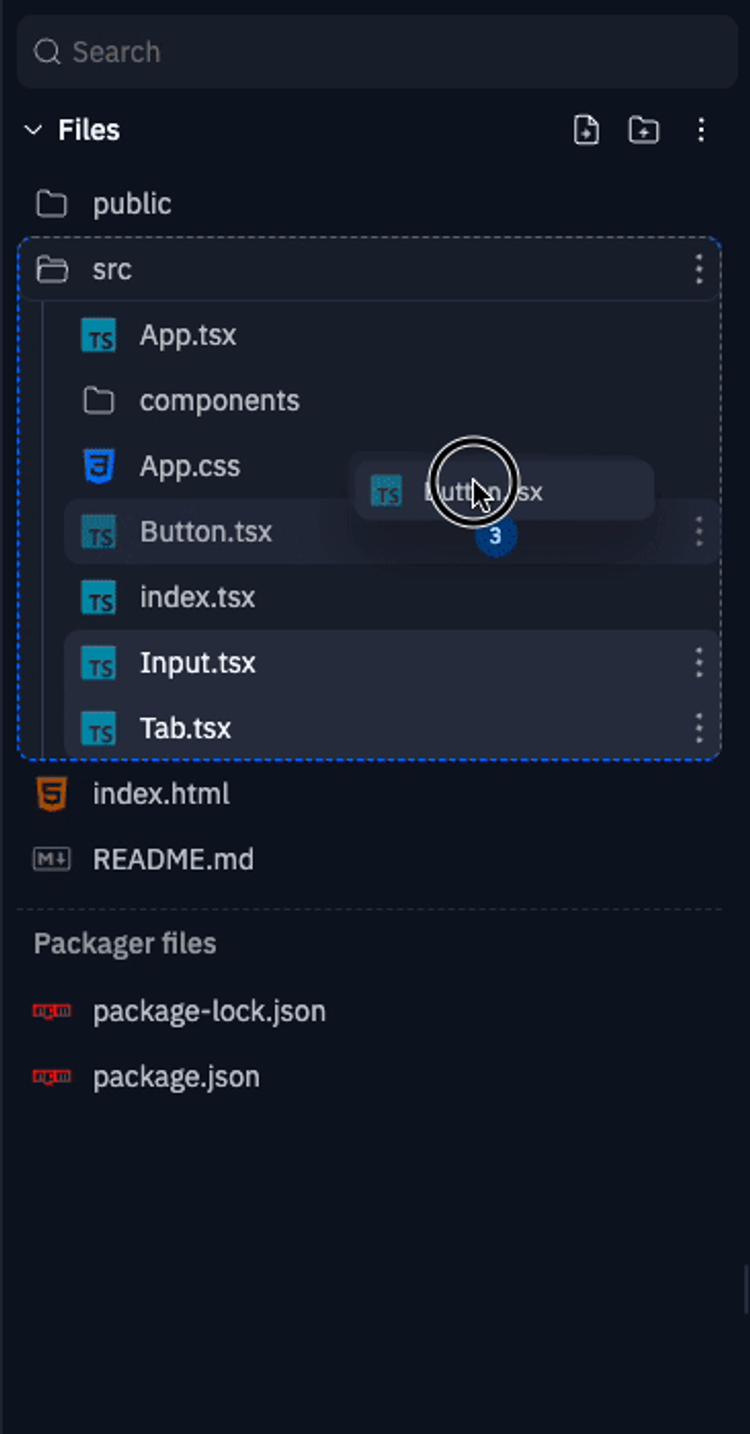
The filetree is a central surface of the workspace which has long been under-leveraged to support the workflows of users. As part of our ongoing workspace revamp, we're shipping improvements to make the filetree more usable and powerful. These improvements include: fixing existing usability issues to make file management seamless improve rendering and loading performance introducing new features to enhance workflows in the workspace Multiselect Say goodbye to painstakingly moving files one by one, because long-awaited bulk actions are now ready for use in the filetree! In the desktop workspace, simply hold down shift to multiselect files. You can also hold down alt to multiselect files incrementally. You can move multiple files at a time by dragging them to your desired location, or perform other bulk actions like open tabs, open pane, download, and delete from the context menu.
 Wed, Oct 12, 2022
Discuss code in context with Inline Threads
Part of what makes Replit so exciting to us is our community. We're always looking for new ways to help our creators connect, collaborate, and create something great together. When you're coding a great idea, we want to help you stay in creative flow, without being isolated from your friends or team. Since their introduction in 2021, Threads have been important for collaborative creation on Replit, especially for educators and students. Today, we're excited to release a new version of Threads and Chat. There's something in this release for everyone: from hobbyists and hackers, to students and educators, to teams and professionals. What's a thread?
 Mon, Oct 3, 2022
Replit's New Logomark
You may have noticed that Replit's logo looks a little different than it did last week. In summary: we're using what we call the "prompt" we already use elsewhere as our primary symbol. The prompt gives you an empty canvas, full of possibility, for you to start creating. We want Replit to be the same for your software creation journey! Let's dive in and learn why. We've had our old logo for a long time. The symbol (loopy, or hurricane, or ripple, or whatever else you call it) has served us well, but for a few reasons we wanted to simplify how Replit is represented:
 Wed, Aug 10, 2022
A Tale of Two Tabs
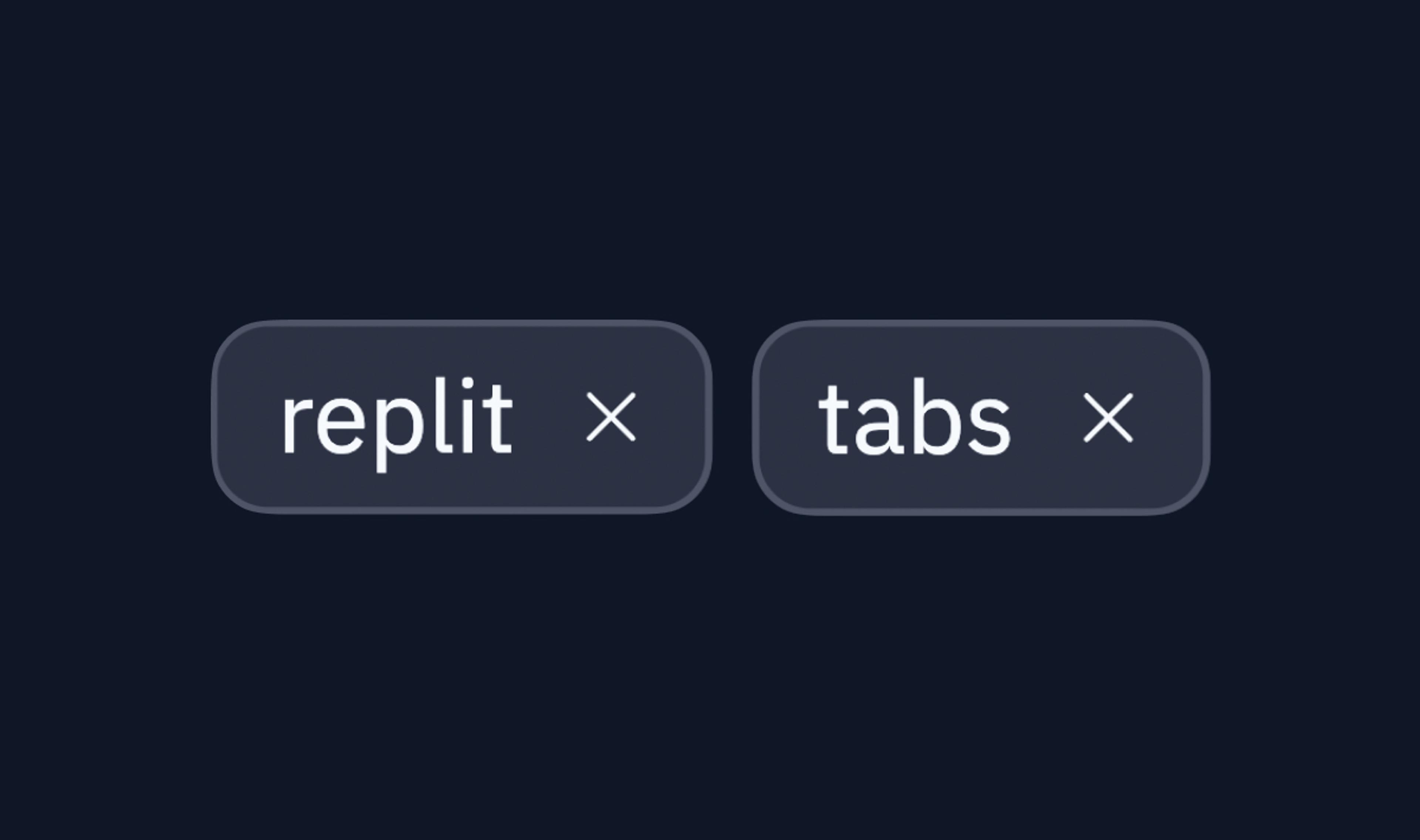
Today we're launching a long-awaited feature in the Workspace: Tabs! Yes, you can finally: Open two files side by side Open as many shells as you'd like Remove tools you don't need to use
 Thu, Aug 4, 2022
My Experience as a Replit Design Intern
Hi! Hi! My name is Clément, aka Bookie0, and I'm a 15 year old high school student from New York City. This summer, I had the awesome experience of being one of Replit's first Design interns! In this blog post, I'm going to talk about what I did and accomplished as well as what I've learnt during my internship. What I accomplished As an intern, you might think that my role was to just sit around all the time and observe the team do stuff – that was part of what I did, but most of the time I was actually actively working on real-world problems. So, what did I do exactly? As a designer, part of my role was to design Replit's interface: this means choosing where elements (like text, buttons, icons) are placed, the layout of a page, what colors to use, and much more.
 Wed, Dec 22, 2021
Implementing RUI, Replit's Design System
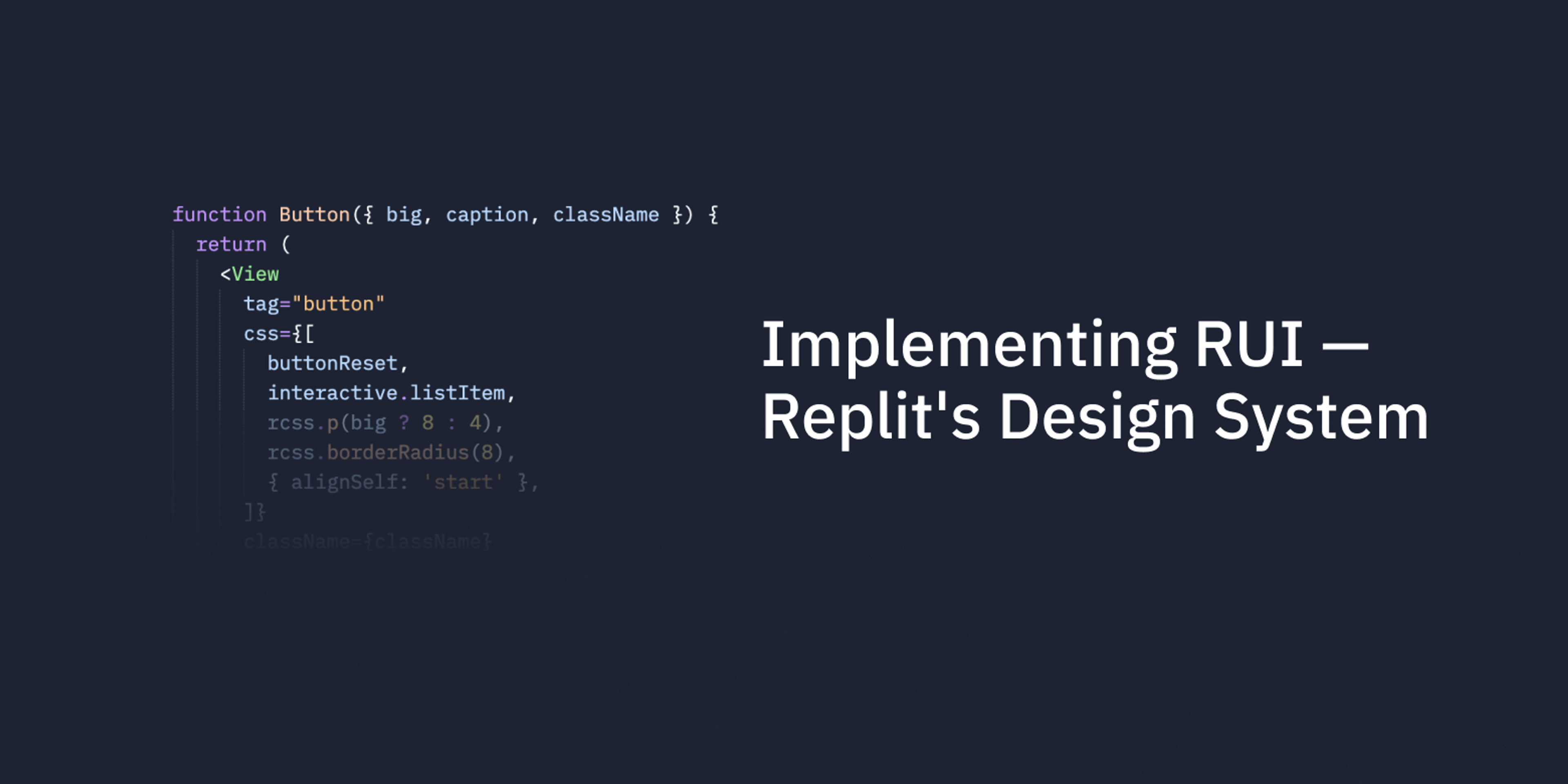
At Replit, we have a small engineering and design team supporting millions of users. Our secret is investing in good tools that make us more productive. In this blog post we'll give you an insider look into how we implemented one such tool - the Replit design system (or RUI for short). The project started as a collection of growth pains: Designers were stretched thin on multiple projects and they couldn't be involved in small tactical decisions UI was inconsistent across the product Reusing UI code was hard, so engineers built new ones (for example, we had 7 different Avatar components) So, we set to build a design system that would help us scale. The high level goals:
 Mon, Oct 25, 2021
Design Systems @ Replit: Better Tokens
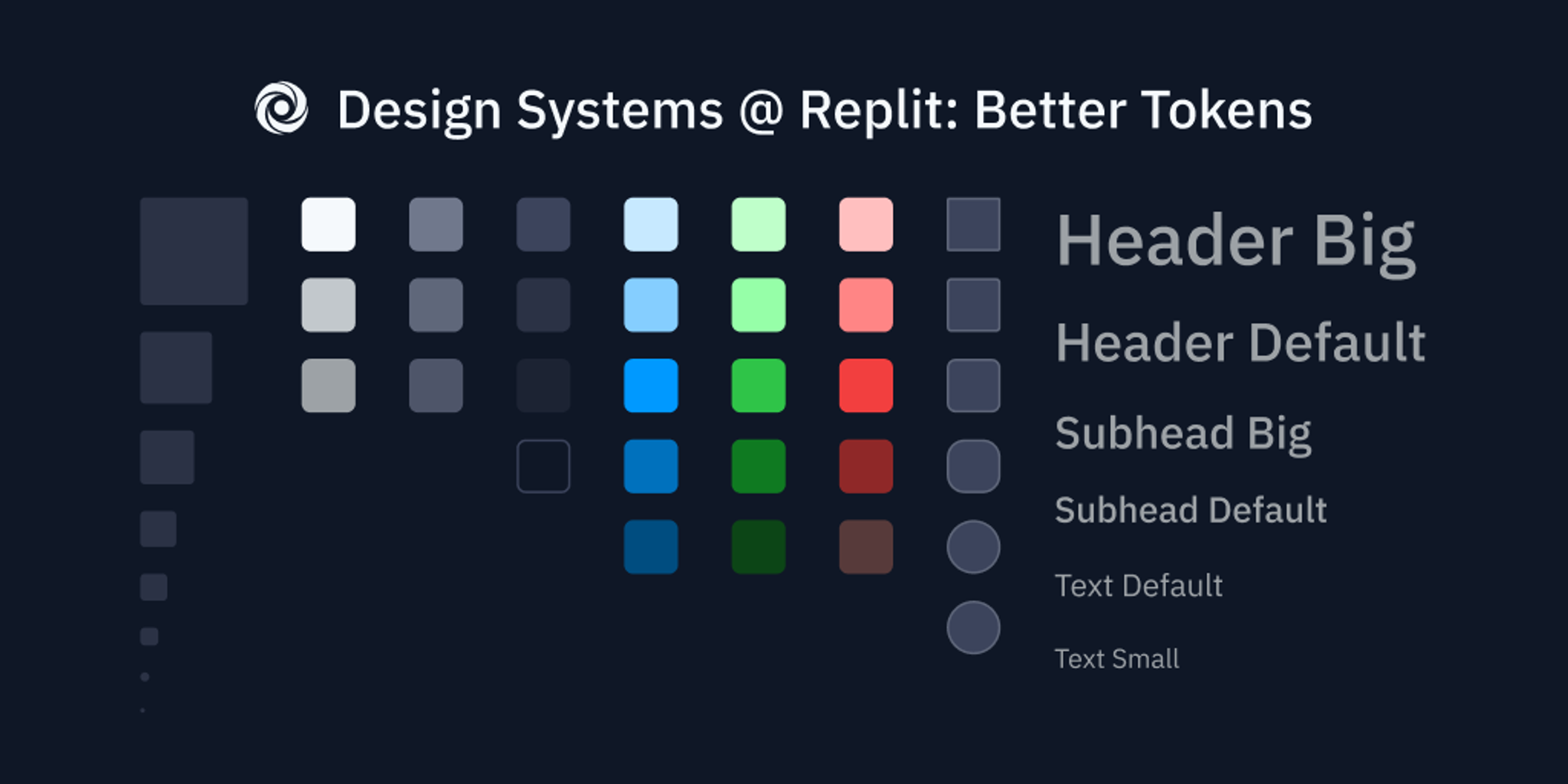
Part 1 of a series about our evolving design system, RUI (Replit User Interface). Replit is growing fast, as an application and a team. New features are being added, new people are joining the platform, and new designers and engineers are building it all. Unfortunately, this means that different parts of the product start to look and behave differently, because no single designer or engineer can keep all the interface states in their head. With dozens of people working on Replit, what happens when you want to update your color or text scheme across the whole site? What if you want users to be familiar with how components work anywhere they see them? It doesn't happen by accident — it requires strong infrastructural basics that you can rely on. So, we spent a few months this year building a stronger foundation for our design system. This is how our system is structured now: