 Wed, Oct 13, 2021
Solidity on Replit: Diving into Web3
Today, we're announcing our official Solidity development template. Solidity is the language used to create smart contracts, which are programs that run on the Ethereum blockchain. This is important for the Web3 commmunity because there's finally an accessible and collaborative way to learn Solidity, which will unlock thousands of new developers in the decentralized web. You can try it out by creating a new Repl and typing solidity in the search bar. Or, go directly to the template page to fork it or leave feedback. :) Why this matters Lowering barriers to entry is core to Replit. Everything we do is intended to make software creation easier, faster, and more fun. So when new infrastructure and communities (like Ethereum) gain momentum, it's our responsibility to help people create for that new technological universe. So, why not try to build the best blockchain development experience in the world? Replit has a unique advantage here. Among other "web-based IDEs", Replit is a true general purpose computing environment. Every Repl you create is actually a Linux container, meaning everything we build sits on top of a fully functioning operating system. This gives us the flexibility to build basically anything we want. Almost any program or environment you can create locally, we can transform into a URL.
 Mon, Oct 4, 2021
Enter the Shadows with Dark Mode
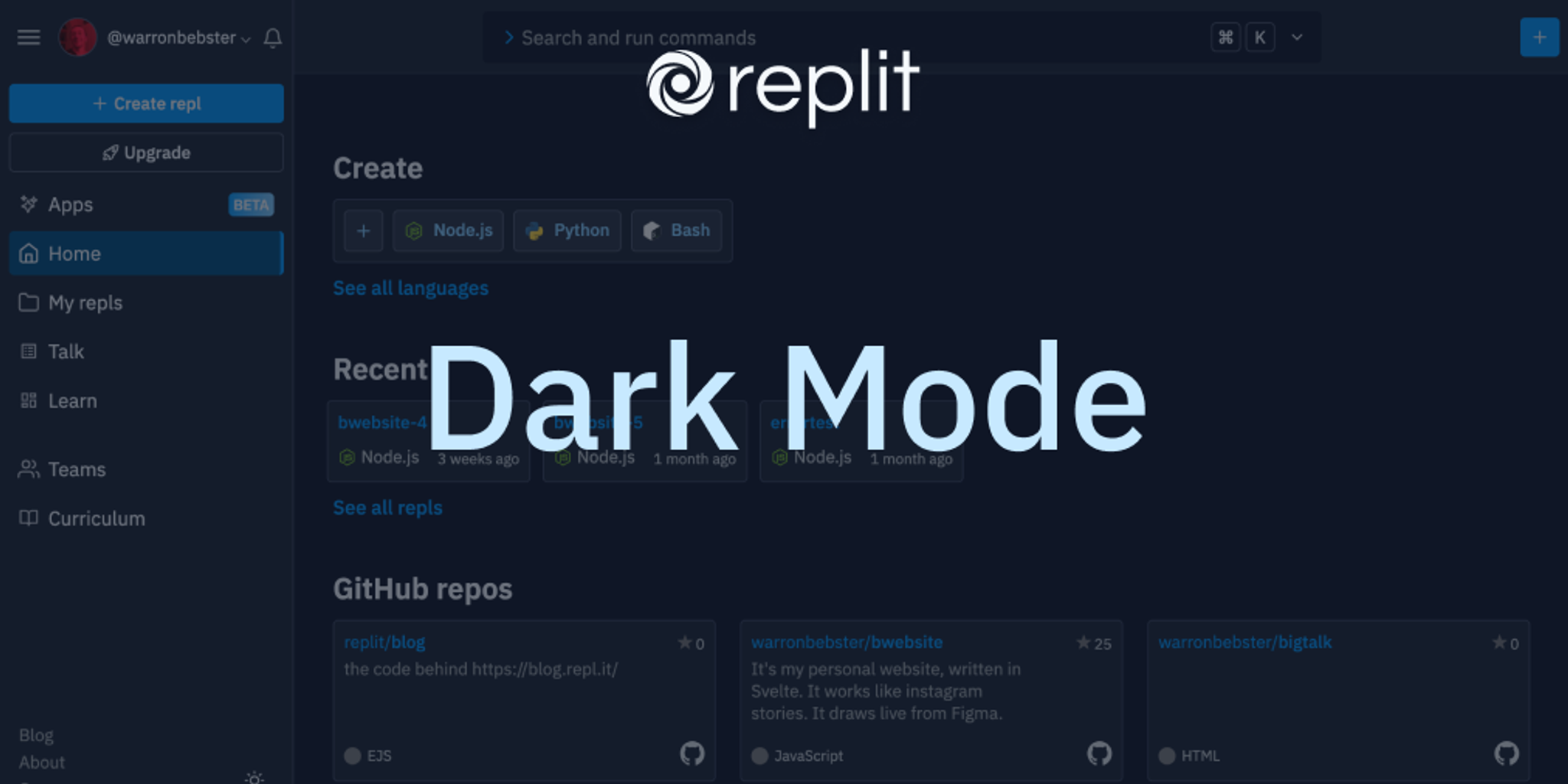
Looking for how to change your Replit theme? Click here. It's spooky season, so we have a spooky feature for you: Dark Mode™ is now available for everyone on Replit! Just open your sidebar and click the moon to enter the shadow realm. Click the sun to switch back. Dark theme will work across the app — from the homepage,
 Thu, Apr 22, 2021
A whiteboard for every repl
Replit is a place where beginners, educators, and professionals alike can code and share their ideas collaboratively. Something that goes hand and hand with your source code is how you communicate it. We built threads, which allow you to leave contextual messages around code, and added better markdown support for READMEs and other guides. However, we were missing a visual way for people to explain and collaborate around code. Today we're excited to announce support for draw files, powered by excalidraw! Any new file with the .draw extension will become a whiteboard to sketch shapes, draw freely, and add text. These files are multiplayer by default, anyone who joins your repl will be able to sketch and diagram along with you. During this period of remote collaboration, we've used draw files to sketch out problems with candidates during interviews, to diagram how our internal systems work, and to quickly prototype user flows. How it works Thanks to the awesome open source excalidraw project, we were able to combine their library with our infrastructure to treat .draw files just like any other file in your repl. We use the same file structure under the hood, which makes importing from excalidraw a breeze (just save your work on excalidraw.com with a .draw extension and upload it to Replit).
 Mon, Dec 28, 2020
Tabbed Shell
Among the many things that makes Repl.it special is our ability to provide free compute to millions of users. We've built a platform that not only lets you write and run code, but also gives you access to a Linux container through which you can execute arbitrarily complex commands. Despite being such a powerful feature, we haven't done a great job of exposing that capability to its fullest. Today, we're excited to announce that we're rolling out a redesign of the shell as a separate tab next to the console. Although we've already had a shell, this new redesign helps make it a more integral part of the experience in a repl. Here's what it looks like: Now it'll be easier than ever to switch between viewing your program's output in the console and executing bash commands in the shell. This will also greatly benefit beginners that are new to Linux since it will expose them to an easy to use shell that they can play around with in any repl. Note that you can still use the existing keyboard shortcut (Cmd/Ctrl + Shift + S) to open and focus the shell in addition to the new tab UI. If you have any comments or feedback, please let us know on Canny. We'd love to hear it!
 Fri, Apr 17, 2020
Bringing Repl.it's Marketing to the Modern Age
If you've been on the Repl.it landing page recently, you may have noticed a bit of a change! We spent a few weeks revamping our marketing pages and wanted to share a few words about how it went. A lot of design and engineering iteration went into not only making our new pages look great, but also creating a scalable and maintainable system. Our process Motivation & setup Naturally there were a lot of questions about where to start this redesign: the tone and voice of our copy? The visual style? The product we were advertising? Where the product was going to be in a few months? Ultimately this project was primarily motivated by growth and product education. For example, our previous landing page led with "Get your ideas out there", which is a great message and definitely part of our vision, but says nothing specific about the product. We wanted to approach the redesign not only as an opportunity to refine our visual and brand identity, but to get Repl.it out to millions more people and make the product dead-simple to understand.
 Thu, Jun 1, 2017
One more console
Debugging web projects on Repl.it can be frustrating. Until today, there was no easy way to view your errors and console logs (unless you open your browsers' developer tools). But that's changing because we're introducing our new tabbed console view for environments that has graphics output (like Web and Python Turtle). See it in action:
- Thu, Jul 28, 2016
Vagueness to Clarity
Simple design is not only how the product looks like, but more importantly, how the product functions; it’s about creating the easiest and simplest path for the user to accomplish their goal. Usually, simple design comes from complex requirements and a lot of ideas — in order to break it down I usually go through a process that I call Vagueness to Clarity[](preview end). This process requires a deep understanding of the problem to come up with the best possible solution. Most people don’t pay attention to simple products because it feels so right and intuitive when using them — it could be so frictionless to the point that nothing gets in the way of accomplishing the main goal. But simplicity is hard — it maybe counterintuitive that the cleaner the interface, the more thoughts were put into it, and the longer it went through the Vagueness to Clarity process. From vague to complex