 Thu, Feb 15, 2024
Replit + pip
First-class pip support We’re thrilled to announce that first-class pip support is now available on Replit! This should work out-of-the-box when importing existing repositories from GitHub. For developers who want to switch from poetry to pip: start by deleting poetry.lock, then move your dependencies over from [tool.poetry.dependencies] to requirements.txt (structure hint: flask = "^3.0.2" would become flask>=3.0.2,<4 in requirements.txt), and finally, delete the other [tool.poetry...] sections from pyproject.toml. After that, the packaging infrastructure will use pip for all future operations going forward. Where we started When we first chose how to support Python packaging, we went with poetry: a newer packager, offering a compelling feature set. While we stand by the value of having reproducibility and the stability that brings, we also acknowledge the significance of pip as a tool in the wider Python ecosystem. One challenge we were trying to address in this change came in the form of following suggestions from AI assistants, StackOverflow, or blog posts that were written with the framing of pip being the “standard” packaging interface. Packages installed in this way would exist in an ephemeral state: both immediately available for use, but not yet recorded in the dependency list. This would no doubt result in frustration as a project that ran fine interactively in a Repl resulted in a ModuleNotFoundError during deployment.
 Tue, Feb 6, 2024
Easier Editing for .replit Files
At Replit, we want to make it easy to support any project configuration possible. This includes ensuring your binaries are in the right place and intelligent code completion works. Historically, the .replit file has been at the center of this, but the experience of editing the file is a process shrouded in mystery. While documentation exists for the file and what various configurations imply, it’s much more convenient if the documentation is visible inside the Workspace. Starting today, you’ll be able to edit your .replit file fearlessly. We’re now providing intelligent code completion and documentation for all .replit files, powered by Taplo - an LSP server for TOML files. Happy configuring! How we did it With Taplo, the only requirement for providing TOML linting and LSP functionality is a JSON Schema for the TOML file being described. Since we consume the .replit file in a Go codebase, we could use the Go jsonschema module to use our already-existing field tags for TOML deserialization in our JSON Schema properties. This means we were able to generate a JSON Schema without changing our struct definition!
 Thu, Dec 28, 2023
Landscape or Portrait? You Decide
People have expected apps to rotate with their mobile devices since before the introduction of the iPhone in 2007. It’s especially important for productivity apps to adapt and let people choose how they want to utilize their screen space. With the newest version of the Replit Mobile App, you can now code in both landscape and portrait modes. This creates a significantly improved experience on smaller tablets like the iPad mini or larger phones like the Pixel Fold. Want to code on the go with your iPad mini? Simply rotate it to portrait, then later, when you’re home, connect it to your wireless mouse & keyboard and rotate it to landscape for maximal screen space. This is the first of many more improvements to the Replit Mobile App, unlocking your ability to build and launch your next startup from your phone. Updating the Replit Mobile App to respond to orientation changes required navigating a few key areas: Accounting for screen edge insets Creating a friendly API for reacting to and inspecting orientation information Sizing screen content correctly based on orientation The Replit app is built using Expo for React Native, and we use the react-native-safe-area-context library to ensure we display UI in the safe areas of the screen. The addition of camera cut-outs and gesture-based navigation to most smartphones in recent years has made it even more important to account for screen-safe areas when building for a wide range of mobile devices. Properly accounting for screen-safe areas means that the app’s interface isn’t shown under the camera cut-out or behind the system navigation UI. Here’s an example with an iPhone 15 Pro: the non-safe areas where the camera cut-out and system navigation UI live are highlighted in red.
 Thu, Dec 21, 2023
Dec 12 Incident Update: Secrets and repl.co Static Hosting Unavailable
Between Dec 12 and Dec 16, Secrets in interactive Repls and files in our legacy repl.co static hosting were unavailable. The root cause was a configuration push to GCS storage that was misinterpreted as a request for all the files to be evicted from storage. Deployments and Secrets in Deployments were unaffected. We have since recovered all known user Secrets and instituted new data retention procedures in our storage systems to ensure that this issue doesn’t reoccur. This will allow us to have a faster recovery going forward. This post summarizes what happened and what we're doing to improve Replit so that this does not happen again. Technical details Here is the timeline of what happened: On Dec 11, we pushed an update to our Terraform configuration for the Google Cloud Storage lifecycle of several buckets. This included a bucket where Secrets, legacy repl.co static hosting, and some Extensions are stored. This was done in an attempt to automatically delete any noncurrent object to save space. These buckets had object versioning enabled beforehand, and the update inadvertently set the daysSinceNoncurrentTime field to zero. Setting this field to zero caused the request to be interpreted as equivalent to setting age to zero, because it also missed explicitly setting isLive to false. This behavior was unexpected, which is tracked in the underlying Terraform provider in a GitHub issue. We quickly discovered the issue, and between Dec 12 and Dec 16 a recovery process was able to recover all known user Secrets.
 Tue, Dec 19, 2023
GitHub x Replit Workflows: Enhancing Developer Productivity
As developers, we constantly seek tools that simplify our workflows and boost our productivity. We know that most code lives on GitHub, so we want to make running, maintaining, collaborating on, and deploying code from GitHub repositories effortless. Previously, importing a GitHub repository into Replit was a subpar experience. Finding the correct repository was time-consuming due to the lack of owner-based grouping and detailed repository information. The built-in Git Pane also sometimes felt incomplete and unintuitive. Recognizing these issues, we set ambitious goals to revamp our GitHub integration, focusing on improving a few key areas: the GitHub import form, authentication, and the Git Pane. GitHub import form redefined We designed the revamped import form to speed up the process of bringing GitHub repositories into Replit. Quickly locate your repositories with enhanced search functionality, including filters for owner and repo names. The form also allows for direct URL imports – a small but significant time-saver. For those working in teams or on collaborative projects, you can also import repositories you collaborate on in the From URL tab.
 Fri, Dec 15, 2023
Skip the README, let us install for you
If you’ve ever tried to install a complex Python package, you know the pain of scouring the package’s README for the apt install or brew install commands necessary to bring in the system-level dependencies the package needs. This approach can be time-consuming and frustrating, especially when a cascade of errors indicates a missing system dependency — a pain point that isn't always immediately obvious. You can now skip the README and let us install everything for you. Replit will automatically install the system dependencies needed for hundreds of Python packages. When you add a package via the Packages tool or automatically install a package via package guessing, Replit’s Universal Package Manager detects system dependencies needed for these packages. This also extends to packages already in your pyproject.toml file, and adds the relevant system dependencies to your Repl’s replit.nix file. To illustrate the efficiency of this tool, let’s ask Replit AI to help us make a snowman. We’ll try to create a vector graphics image using Python’s pycairo library. To start, create a new Python Repl and select Generate Code with AI. Enter the prompt: “Using Python's pycairo, draw an SVG snowman. The snowman should have three balls of snow, a carrot nose, and two black eyes. Import math if you need it.” The full code is available in this Repl. Before automatic system dependency installation, you would have been greeted with an arcane error message like this, buried among hundreds of lines of output:
 Thu, Dec 7, 2023
New and Improved Console
The new Console has been launched for a while, bringing a whole new UI, persisted history of executions, metadata about the runs, and more! Let’s take a tour of where it came from, how it works, and how it was built. Brief history In the past, the Console looked very similar to the Shell and, depending on the Repl configuration, sometimes behaved like one: ...and sometimes did not:
 Fri, Oct 20, 2023
System Dependencies on Replit
We recently released some improvements to our Packages tool, and now we're extending that work to bring a new System Dependencies tool to Replit, powered by Nix! Replit has bet big on Nix, and we're not slowing down. It's now easier than ever to leverage Nix's power with a brand-new user interface for adding, removing, and searching system dependencies. What are system dependencies? System dependencies are native programs or libraries that can be installed globally in your Repl using Nix. These differ from libraries distributed by language-specific package management systems, which can still be managed from the Packages tool. With the System Dependencies tool, your Repl can easily pull in tools like: ffmpeg
 Thu, Oct 12, 2023
Tabs and Spaces - Smarter Indentation
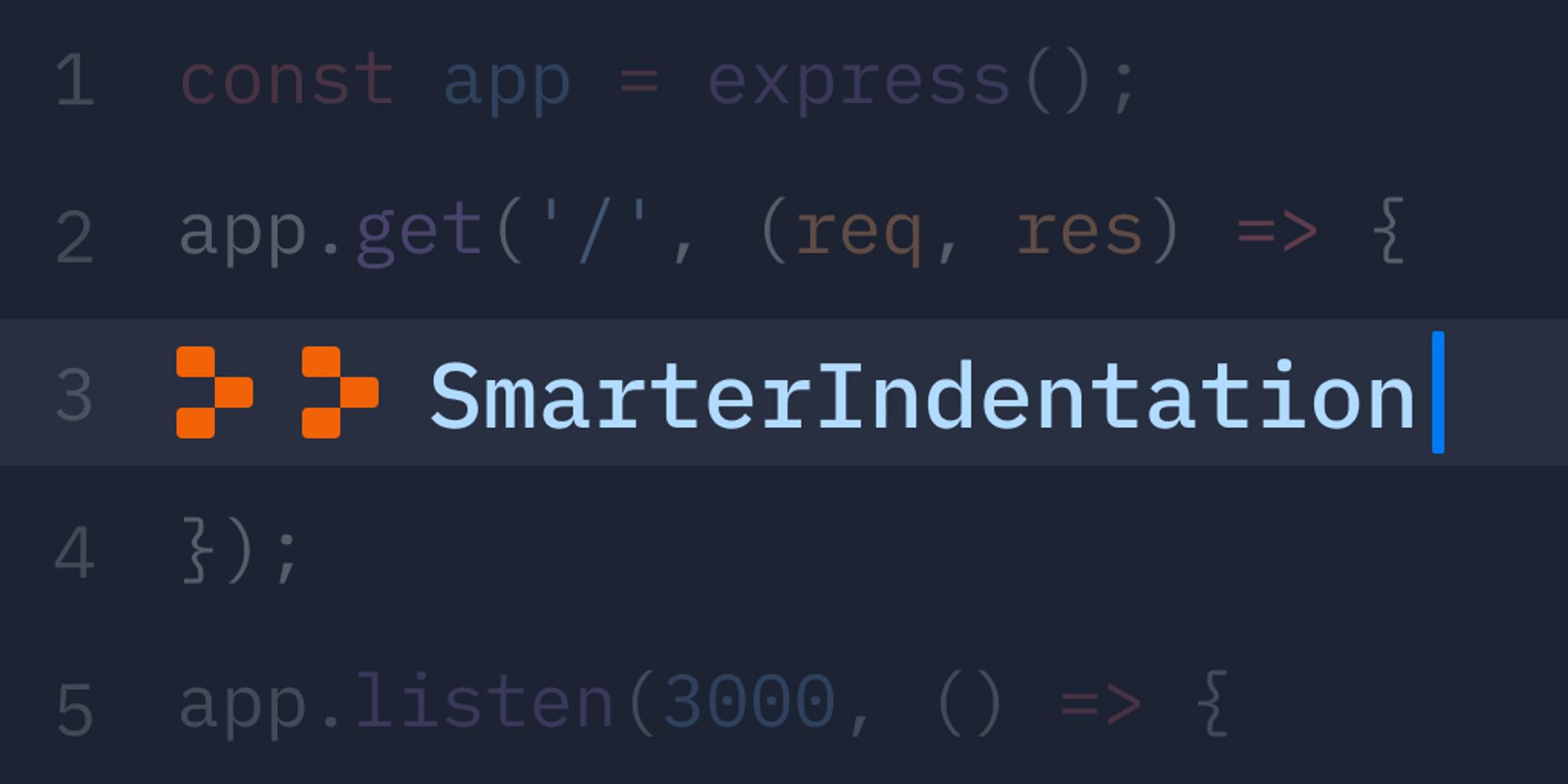
When you're programming, indentation is something you shouldn't have to think about, as an IDE should handle most of the details nowadays. With Replit, you don't have to think about what happens when you press tab. We're releasing a suite of new indentation and whitespace related features that will make the code editing experience even better. Automatic indentation detection Replit can now automatically detect the indentation of files that you open. That means if a file was indented with two spaces, you'll automatically get two spaces when you press tab regardless of what your normal settings are. Also, adding indentation detection required that we unrestrict what indentation sizes you're allowed to use. Now, you can use any size between 1 and 16. That means if you use an uncommon indentation unit like 3 spaces, you're covered now! The indentation Swiss Army knife There is now an element in the status bar of the code editor that shows your current indentation settings for the file. You can click on this element to show a menu which lets you do a number of things:
 Wed, Oct 4, 2023
Sep 29 Incident Update: Read-Only Repls
On Sep 29, we had a period of about 2.5h from 14:00 to 16:30 (Pacific Time), in which an incomplete build was pushed to our infrastructure that handles storing Repl data. This caused Repls opened during that time window to become read-only or stop working. Any Repl not opened during that timeframe was not affected. We have addressed the root cause, recovered 98% of the affected Repls, and continue to work on recovering the remaining 2%. We understand that your data not being available is unacceptable for both you and your users. This post summarizes what happened and what we're doing to improve Replit so that this does not happen again. Technical details Here is the timeline of what happened, all times in Pacific Time: On July 19, we released a new storage system. This works by recording "manifests" that represent snapshots of the filesystem at a specific point in time, and the manifests point at blocks that contain the users' data. This enables fast and efficient Repl forking. To improve that system, we’ve been working on a change to make obtaining filesystems and saving changes faster by batching commits and executing them asynchronously. This change was being vetted in a test cluster and we were diagnosing failure modes with writing manifests and running garbage collection that caused data corruption. On Sep 29 at 14:00, as part of attempting to deploy additional logging statements to the test cluster, the new (unfinished) feature was inadvertently deployed to production clusters. This is when the outage began. Any Repl loaded with this build could have potentially been put into an error state showing “read only filesystem” or other I/O errors.
 Thu, Sep 28, 2023
Changes to Hosting on Replit
We remain committed to providing a powerful free development experience to anyone who wants to code. This post is only about the hosting experience, which we are migrating to our new Deployments product. In April of this year, we released Reserved VM Deployments. Then, we shipped Static and Autoscale Deployments. Since then, we’ve noticed even more companies hosting anything from microservices to their entire applications on Replit. Some of our favorite startups to watch include: HeyDATA LeapAI LlamaIndex
 Sun, Aug 27, 2023
Upgrading Analytics for Deployments
Nine months ago, we launched analytics for every Repl. This feature allowed Explorers to view statistics about their Repl's visitors by appending /analytics to the end of Repl URLs. In the meantime, a lot has changed. Recently, we launched Reserved VM Deployments on Replit: an improved hosting service to quickly get you from idea to production. With Deployments, you can rest assured that your app will always be accessible even as you prototype changes, without needing to periodically ping the Repl to keep it running. Today, we’re excited to announce new and improved analytics for each of your Deployments! You can now find analytics in a tab under the Deployments pane in your Repl. As part of this release, the beta .repl.co analytics page will be deactivated. Analytics tab
 Thu, Aug 24, 2023
Packages: Powered Up
Package management on Replit just got an upgrade. We’re releasing new features that make it faster to load, simpler to manage, and easier to troubleshoot packages for your projects. Read on to learn about the new additions or try it out now on Replit! Why we built the Packages tool Software projects already demand enough from developers implementing features, leaving those same developers little time to build everything from scratch. Pulling in code from other organizations or individuals can jump-start projects and help ensure their security, functionality, and integrity. However, existing package management tools are disconnected from each other and can be clunky to work with on the command line.
 Thu, Aug 17, 2023
Performance Mystery: Is Golang's Startup Time Slow?
We at Replit pride ourselves on a snappy user experience. When I noticed our Universal Package Manager taking a slow ~200 ms to do even the most trivial operations, I took a look. Some context: Universal Package Manager, or UPM, is a package manager that works for a number of Replit-supported programming languages. It allows the Replit infrastructure to work with the same API, regardless of the language for the packaging aspect of the system. One important feature it offers is package guessing: the ability to look at your source files and figure out what packages you need automatically. However, since the package guessing operation has to happen when you click the Run button, it ever so slightly slows down the running of your code. I discovered that generally, regardless of which UPM operation was executed, it took at least ~200 ms for it to do the work. Given that UPM is written in Go — a language with a reputation for being fast — this was surprising.
 Thu, Aug 10, 2023
Improving the Inline Ghostwriter Experience
We’ve recently improved Ghostwriter’s inline actions, Explain Code, Generate Code, and Edit Code (formerly known as Transform Code), to make your coding sessions even more efficient. Here’s a summary of the key updates. Widgets: say goodbye to popovers! Previously, Ghostwriter used popovers to generate, explain, and edit code. While this served us well initially, it sometimes disrupted the flow of coding, and the popovers could be lost when you clicked outside of or moved around the code. It was also difficult to view and compare changes suggested by the AI if long paragraphs of code were generated.